

The side bar panel Styles and Formatting is a versatile formatting tool for applying styles to text, paragraphs, pages, frames, and lists. To open this panel, either click Styles › Styles and Formatting, or click the button Styles in the side bar, or press F11.
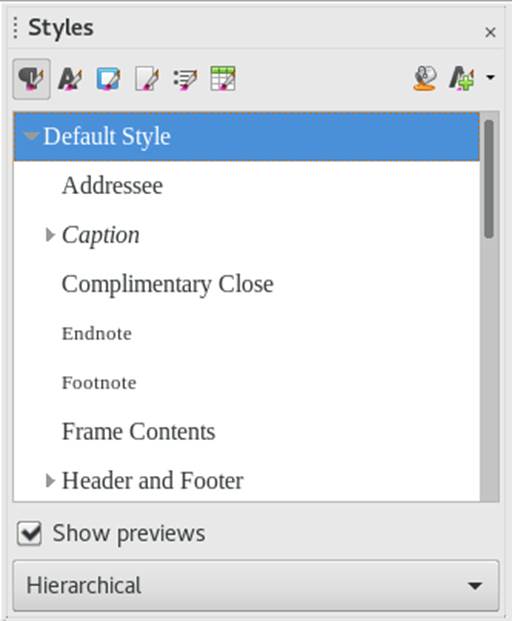
Figure 10.2: Styles and Formatting Panel
LibreOffice comes with several predefined styles. You can use these styles as they are, modify them, or create new styles. Use the icons at the top of the panel to display formatting styles for the most common elements such as paragraphs, frames, pages or lists. To learn more about styles, continue with the instructions below.