

The Navigator tool displays information about the contents of a document. It also lets you quickly jump to different elements. For example, use the Navigator to get a quick overview of all images included in a document.
To open the Navigator, click View › Navigator or press F5. The elements listed in the Navigator vary with the document loaded in Writer.
The Navigator is also an element of the side bar: There, it can be opened using the button Navigator (a compass).
Double-click an item in the Navigator to jump to that item in the document.
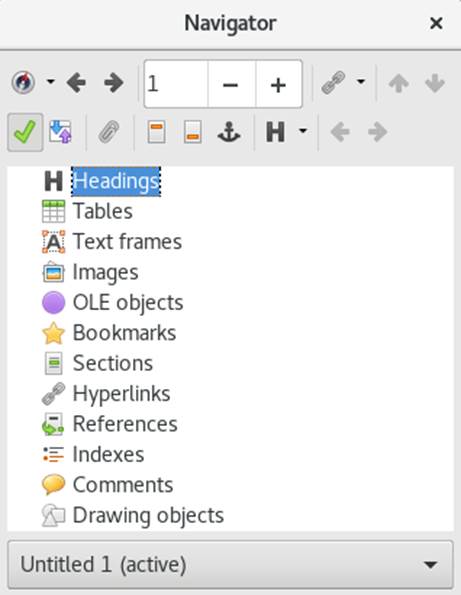
Figure 10.3: Navigator Tool in Writer