

To add an extension or theme, start the add-ons manager with Tools › Add-Ons from the menu bar. It opens on the Get Add-Ons tab either displaying a choice of recommended add-ons or the results of your last search.
Use the Search All Add-Ons field to search for specific add-ons. Click an entry in the list to view a short description. Install the add-on by clicking Install or open a Web page with detailed information by clicking the More link.
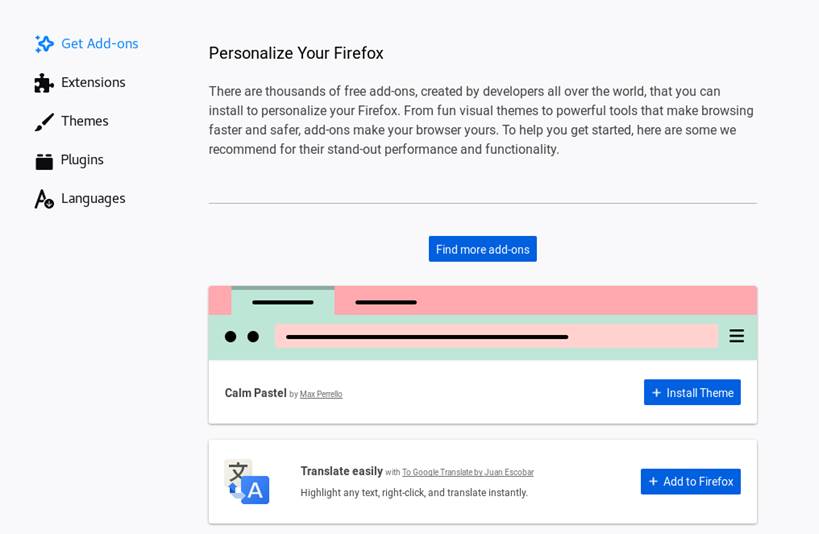
Figure 13.6: Installing Firefox Extensions
To activate freshly installed extensions or themes, Firefox sometimes needs to be restarted by clicking Restart now in the add-ons manager. Restart this way to make sure that your browsing session will be restored.